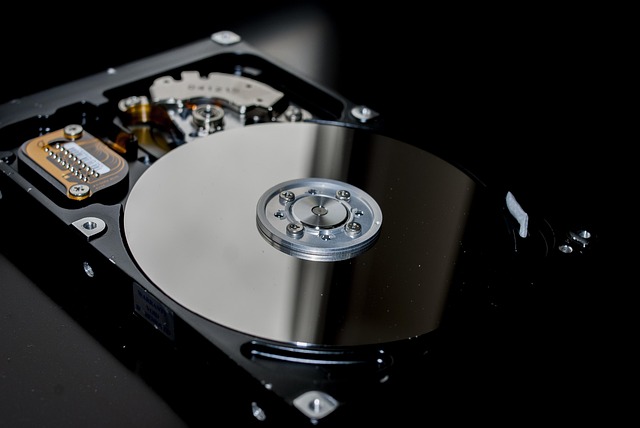
Hard drives fail. Laptops get stolen. Employees accidentally delete things. Most businesses don't have a working backup until the day they need one, and by then it's too late. We set up simple, automatic backups that run quietly in the background, and we can recover files when something goes wrong.
Automatic Backup Setup
Configuring backup software that runs automatically - to an external drive, the cloud, or both - so your files are protected without you having to think about it.
Cloud Backup Configuration
Setting up cloud backup services correctly so your most important files are always protected offsite, with versioning and verified restore.
External Drive Backup
Setting up local backup to an external drive for fast recovery without depending on internet speed. Good as a first layer of protection.
File & Photo Recovery
Recovering accidentally deleted files, photos lost after a crash, and data from drives that failed or were formatted.
Hard Drive Recovery
Recovering data from drives that have failed, make clicking sounds, or aren't being detected. Success depends on the type of failure - We'll be upfront about what's possible.
Backup Verification
Testing your existing backup to confirm it actually works. Many people have a backup that hasn't run in months or is only saving some of their files.
New Computer Migration
Moving your files, photos, documents, and settings from your old computer to a new one so nothing gets left behind.
We configure your backup so it runs automatically and reliably - you shouldn't have to remember to do it manually.
Before the appointment ends, We verify the backup is actually working and saving the files that matter to you.
If your data is in a situation where recovery isn't likely, We'll tell you that upfront rather than take your money on a long shot.